Some residents are steady during the day but try to get up unassisted at night. Some are physically strong but cognitively disoriented. Some rarely leave bed, but their risk shows up in subtle patterns like restlessness or repeated attempts to reposition.
When fall prevention technology is set up as a blanket rule, you usually end up with one of two outcomes:
The better approach is personalisation: match the system to the resident’s actual needs, routine, and risk moments.
That’s exactly how cogvis is designed to be used: the platform supports individual settings per person, the ability to create risk profiles, and the ability to set alarm periods—so each room can be configured based on the resident inside it.
A practical way to personalise fall prevention is to stop thinking of it as a single feature and start thinking in modules.
Instead of “turn it on and hope,” you choose the building blocks that fit the resident’s risks.
Here are some examples of modules and what they’re good for:
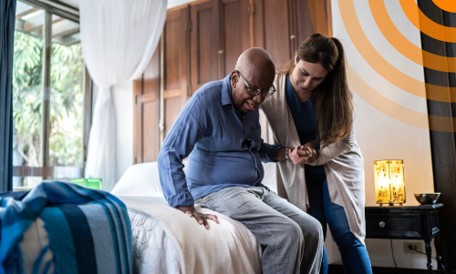
For residents who fall during transfers or bed exits, earlier warning is everything. cogvis fall prevention can be configured to alert when a person begins to raise up, sit up, or stand up—so staff can intervene before a fall occurs.
That shift—before impact, not after—is what prevention is supposed to mean.
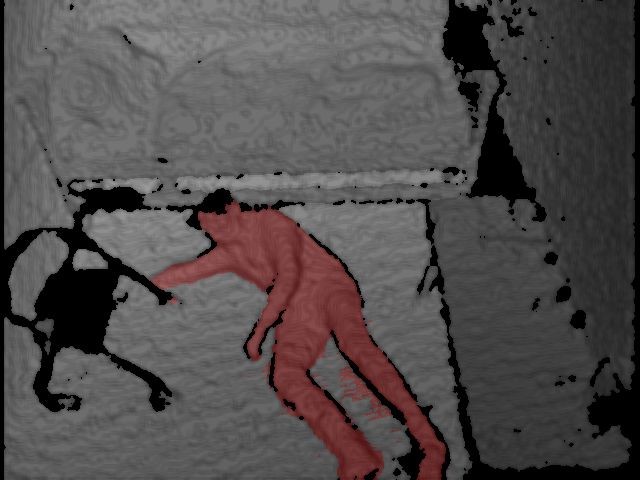
Not every incident can be prevented. When something does happen, fast response matters—and understanding what happened matters too.
cogvis lists fall detection and fall analysis as modules—supporting both immediate response and clearer documentation/review.
Some risks aren’t “falls in the room.” They’re the moments after someone leaves the room and doesn’t return promptly.
cogvis lists absence detection as a module, and also describes additional modules in its materials (e.g., aggression detection, suicide prevention, lighting control), depending on use case and environment.
Most care teams don’t need “maximum sensitivity” 24/7. They need the right alert at the right time.
That’s why time-based configuration is so powerful. cogvis specifically calls out the ability to set alarm periods and build risk profiles, which is exactly what you need to match real routines—nights, naps, sundowning patterns, post-medication windows, and more.
Here’s what that looks like in real life:
Instead of chasing alarms all day, staff get alerts when they’re most meaningful.
Alarm fatigue is real in healthcare. The fix isn’t “turn alarms off.” It’s make alarms more actionable—so staff trust that an alert usually means “this needs attention.” One evidence-based approach highlighted in nursing literature is monitor/alarm customization to reduce unnecessary alarms and noise.
Personalising cogvis configuration supports that goal in a few practical ways:
If a resident doesn’t have bed-exit risk, you don’t build the entire workflow around bed-exit alerts.
Time-based logic helps avoid “always-on” alerting when risk is low.
cogvis describes a presence button workflow: staff can deactivate the system for a set period while providing care, then allow it to resume automatically—helping prevent nuisance alarms during routine care activities.
The end goal is simple: fewer alarms that don’t matter, more alerts that do—and a team that stays responsive instead of desensitized.
To make this concrete, here are three common resident profiles and how a tailored setup can help:
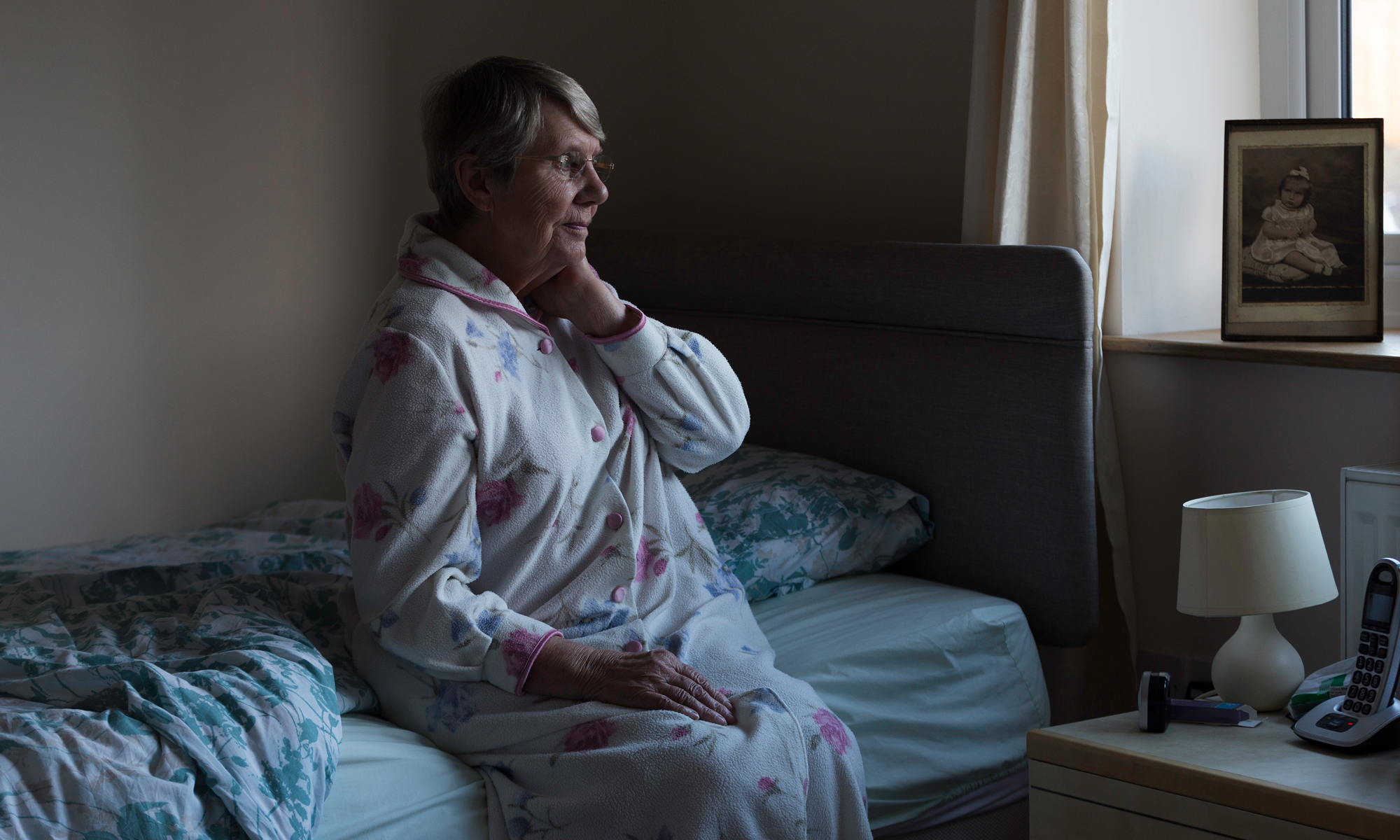
What’s happening: The resident is steady in daytime but tries to get up unassisted at night.
How you tailor:
Result: staff are alerted during the risky moment—before the fall.
What’s happening: Physical rails increase agitation, climbing, or distress.
How you tailor:
Result: safer boundaries without the same level of physical restriction.
What’s happening: Leaving the room and not returning can be the danger point.
How you tailor:
Result: fewer “where did they go?” moments turning into emergencies.
Personalised fall prevention isn’t complicated—it’s just intentional.
When you can configure monitoring resident by resident and choose the right modules and alarm periods, you get the best of both worlds:
That’s the difference between a generic monitoring tool and a system that genuinely supports individual care.